On this page
- First: who collects the payment?
- How to mark a Booking.com card as invalid
- How long does the guest have to update the card?
- How to cancel a booking with an invalid card
- Booking.com virtual card declined: what to check
- How to mark a no-show and charge (or waive) the fee
- How to catch payment problems before the guest arrives
- Summary
Mark the card as invalid in the Booking.com Extranet, the Pulse app or Little Hotelier's Channel Manager. The guest then has 24 hours to send a new card (12 hours if they booked within 48 hours of check-in), and if they don't, you can cancel and pay no commission. For a guest who never arrives, mark the no-show between midnight on the check-in date and 48 hours after the planned check-out, and choose whether to charge or waive the fee.
Steps and deadlines below were checked against Booking.com's Partner Help as of October 2026.
First: who collects the payment?
What you can do depends on how the guest pays:
- You hold the guest's card (you collect the payment). The steps in the next three sections apply.
- Booking.com took the payment online and pays you with a virtual card (VCC) or bank transfer. There is no card to mark invalid; if the virtual card is declined, see the virtual card section below.
- Smart Pay-at-Property (Payments by Booking.com in the EEA and some other regions, for non-prepaid bookings). Booking.com validates the card itself and gives the guest 24 hours to replace it. You can't mark the card invalid yourself; Booking.com tells you when you can cancel (Partner Help: Handling invalid credit cards).
How to mark a Booking.com card as invalid
Do it as soon as a charge or validation fails. The clock for the guest only starts when you mark it.
In the Extranet
- Sign in to the Extranet.
- Click Reservations, then the guest's name or reservation number.
- Select Mark credit card invalid.
In the Pulse app
- Tap Bookings, then the guest's name.
- Scroll down to Payment – credit card.
- Tap Mark credit card invalid.
From Little Hotelier
- Go to My Apps > Channel Manager > Reservation.
- Open the Booking.com reservation and click the Manage Reservation tab.
- Click Report payment card as invalid to Booking.com. A green window confirms it; a red one means you should check the Extranet (Little Hotelier help centre).
Booking.com then emails and texts the guest asking for new card details, and emails you when they update them. Write down what you tried in the reservation notes (date, amount, decline reason): it helps whoever is on the desk next.
How long does the guest have to update the card?
| The booking | Time to send a valid card | Then |
|---|---|---|
| Standard | 24 hours | You can cancel until 3 pm (property time) on the check-in day |
| Made within 48 hours of check-in | 12 hours, or until 3 pm on the check-in day, whichever comes first | You can cancel |
| Made within 48 hours of check-in, for 10 or more nights | 2 hours | You can cancel |
If the guest sends another invalid card, you can also cancel. Booking.com doesn't charge commission on bookings where you marked the card invalid (Understanding your commission).
How to cancel a booking with an invalid card
Cancel through Booking.com, so the reason is recorded:
- Extranet: open the reservation and click Cancel this reservation. It only appears when the booking qualifies.
- Pulse: open the booking and tap Request to cancel reservation.
- Little Hotelier: on the Manage Reservation tab, click Request cancellation of reservation to Booking.com due to invalid payment card, then wait for Booking.com's cancellation confirmation.
The nights go back on sale. If you keep a list of guests waiting for those dates, now is the moment to call the first one: see how to run a waitlist for sold-out dates.
Or ask for another way to pay first
You may prefer to keep the booking. With Little Hotelier Pay, Send Payment Request on the reservation creates a secure payment page for an outstanding balance or a failed payment, sent by email or shared as a link. It works for bookings you collect yourself, not for channel-collect bookings or Booking.com virtual cards (Payment requests).
Two things to check:
- Booking.com's allowlist. Booking.com blocks emails and links from systems you haven't approved. Add Little Hotelier's domains under Property > Messaging preferences > Security settings in the Extranet, or the request never reaches the guest (how to).
- The phone number. Since 28 September 2026, Booking.com no longer sends guest phone numbers to channel managers, so new Booking.com bookings reach Little Hotelier without one (Booking.com for developers). Copy it from the Extranet with Show phone number in the reservation details.
The free Update Payment Link Button script gives the payment request button a clearer label and adds the phone number from the reservation to the request:
Booking.com virtual card declined: what to check
A virtual credit card is a temporary digital Mastercard that Booking.com uses to pay you when it took the guest's money. A non-refundable booking's card is active from the booking date. Others activate once the booking is at least 90% non-refundable. About 30 minutes after a failed charge, the reason appears in Reservation details (Getting paid with virtual credit cards).
| Message or symptom | What to do |
|---|---|
| "Can't be authorized prior to activation date" | The card isn't active yet. Check the activation date on the Extranet's Reservations page. |
| "Insufficient funds" | You are charging more than the card holds. Per-person taxes may be excluded: collect those from the guest. |
| Invalid CVC or expiry date | Re-enter them carefully. |
| "Invalid merchant" | Your terminal must be registered as an accommodation provider. Call your payment provider. |
| Security lock | Too many failed attempts. Try again in 24–48 hours. |
Never pre-authorize a virtual card. If you did, settle the amount with the authorisation code, or cancel the authorisation and charge it again. Still declined? Ask your payment provider about the decline code, then write to Booking.com from the Extranet inbox.
How to mark a no-show and charge (or waive) the fee
A no-show is a guest who hasn't arrived by midnight on the planned check-in date. You can mark it from midnight on the check-in date until 48 hours after the planned check-out (Marking guest no-shows).
In the Extranet:
- Click Reservations and open the reservation.
- Under Reservation actions, select Mark as a no-show.
- Answer "Would you like to waive the no-show fee for this reservation?" with Yes, waive fee or No, charge fee.
- Click Mark as a no-show to confirm.
In Pulse: Bookings > find the reservation > Mark as a no-show > Yes.
From Little Hotelier: on the reservation's Manage Reservation tab, click Request Booking.com to mark reservation as a no-show. Untick any rooms that did arrive, choose Yes or No for the fee on each room, then click Yes, mark as a no-show.
What it costs you:
- Fee charged: you pay commission on the fee.
- Fee waived and marked in time: no commission.
- Not marked within 48 hours of check-out: full commission on the original booking.
- On Payments by Booking.com: Booking.com tries to collect the fee for non-prepaid bookings and pays you; if it can't, it waives the commission. Where it collects no-show fees for free-cancellation bookings, mark them within four calendar days of check-in (Payments by Booking.com).
How to catch payment problems before the guest arrives
Booking.com emails you about invalid cards, and the Extranet's Reservations section lists bookings made with them. Little Hotelier's mobile app can push new reservations, check-ins and cancellations (notifications). What's left is a daily round: opening each upcoming arrival to see who still owes money.
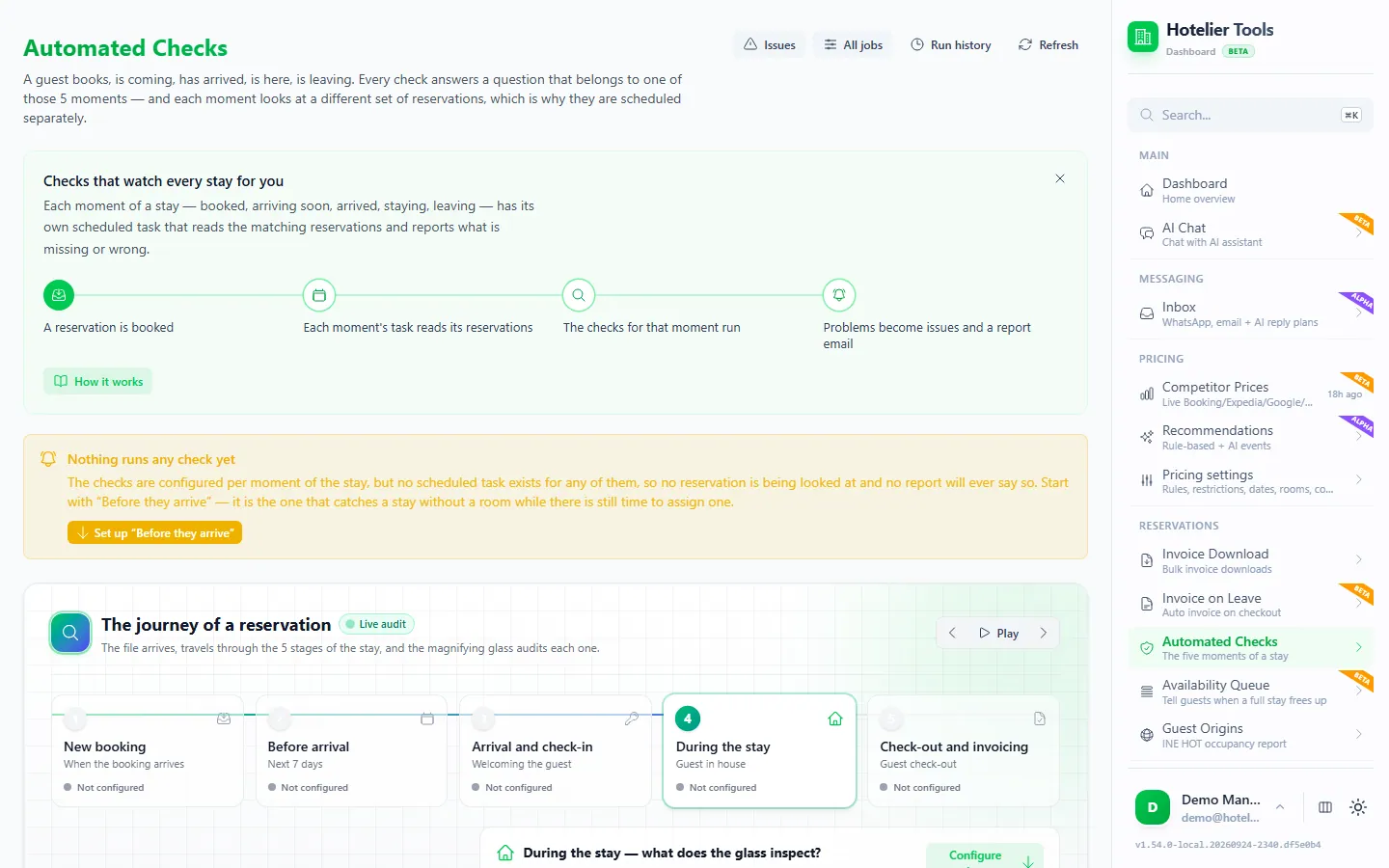
The faster way: Hotelier Tools' automated checks (beta) do that round for you.
- Open Automated Checks > Before they arrive (
/automated-checks/moment/before_arrival). It reads arrivals from today to 7 days ahead (you can choose 1–60) and checks the payment, the room assignment and the do-not-rebook list. - Press Create the task, or Use the recommended schedule. Each run signs in to Little Hotelier, so it runs at most once an hour.
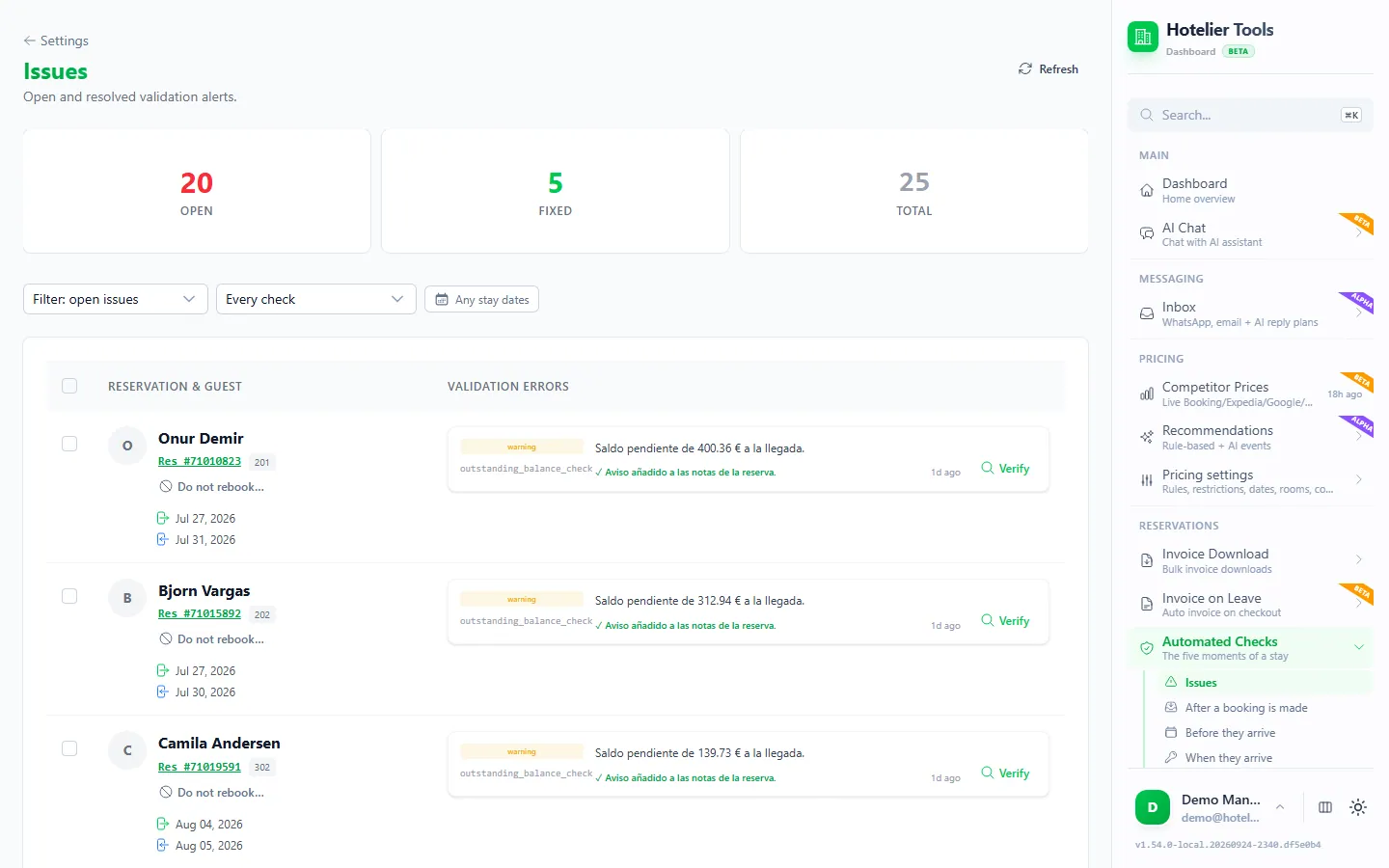
- Open Issues (
/automated-checks/issues). Problems are grouped by reservation, for example an outstanding balance at arrival. - Fix it: charge the card, send a payment request, or mark the card invalid with Booking.com. Then press Verify to re-check that one reservation.
- Every run also sends one report email, so you don't have to open the page.

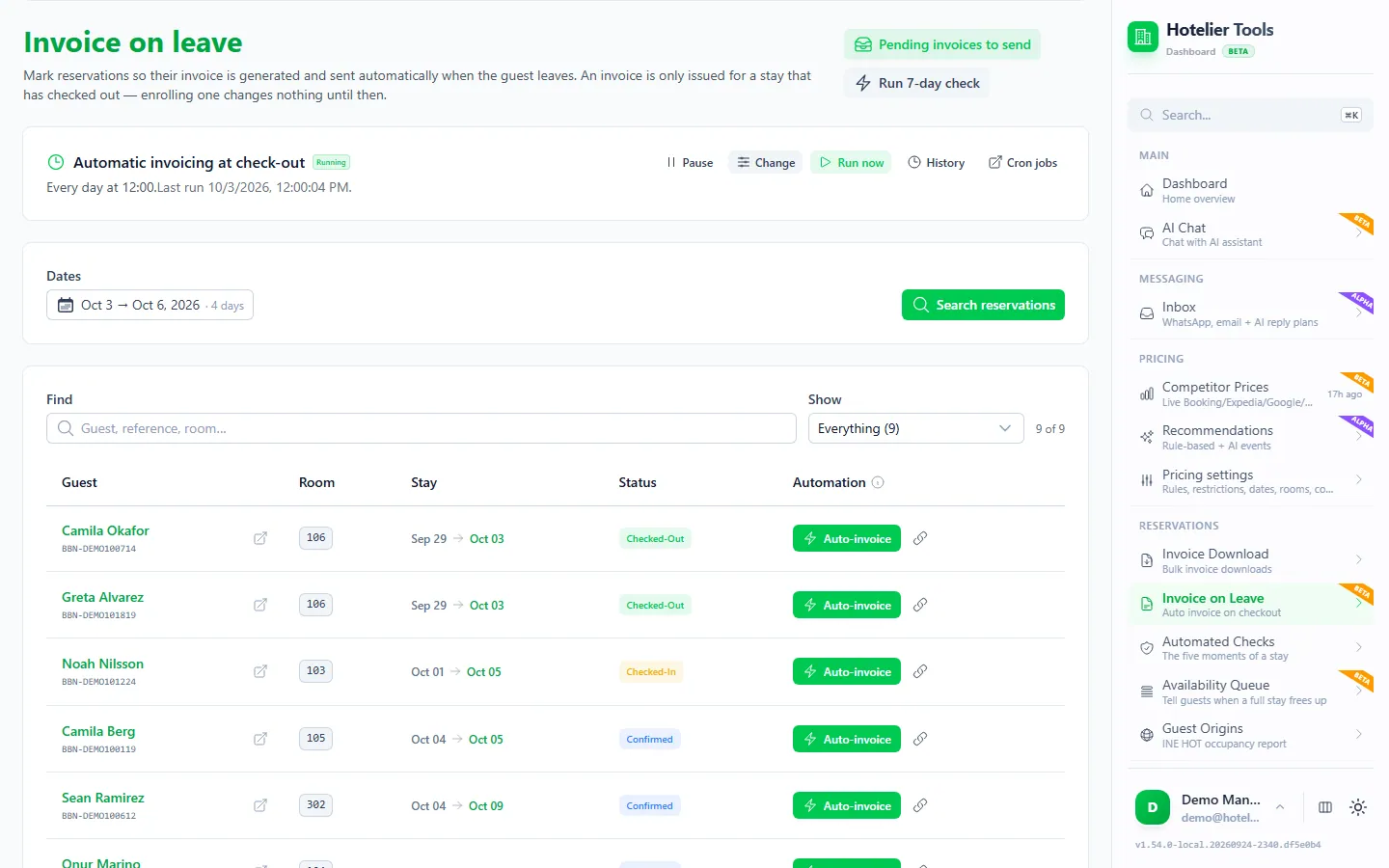
The When they leave check looks at the balance again at checkout. The checks read Little Hotelier, not Booking.com: they flag the unpaid balance a failed card leaves behind, not Booking.com's invalid-card status. They never cancel a booking or charge a card.
Try it in the live demo
Open the same screen in the Hotelier Tools demo, filled with invented data. No sign-up, nothing to install.
The full daily routine is in the front-desk checklist: 8 problems to catch before arrival, and every check is on the Automated checks page. Hotelier Tools is free for every hotel until billing starts on 10 January 2027.
Should you add the guest to a do-not-rebook list?
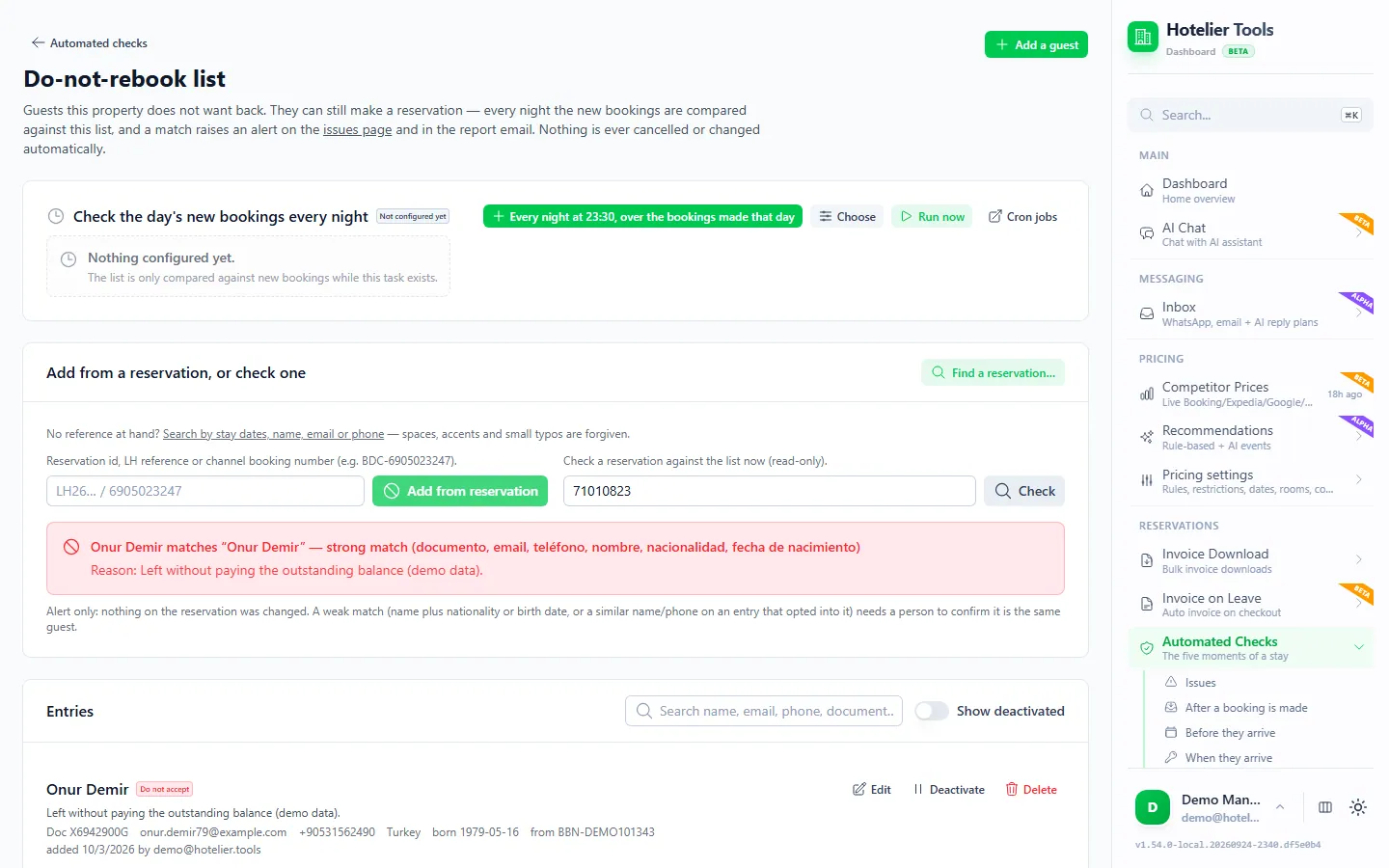
If a guest left without paying, or kept giving cards that failed, you may not want them back. On Issues, press Do not rebook… on their reservation, choose the guest, a severity (such as Do not accept again) and a factual reason. From then on, a new booking that matches raises an alert.
It only alerts. It never cancels or refuses a booking: a person decides. A name alone never matches; it takes the same document number, the exact email, or a phone number whose last 8 digits match (or a name plus the same nationality or birth date). Keep reasons factual. More in how to keep a do-not-rent list legally.
Summary
- Card failed: mark it invalid (Extranet, Pulse or Little Hotelier's Manage Reservation tab). The guest has 24 hours, 12 for late bookings, 2 for last-minute stays of 10+ nights.
- No valid card: cancel through Booking.com, no commission. Or send a payment request first.
- Guest didn't come: mark the no-show within 48 hours of the planned check-out, and charge or waive the fee.
- Catch it early: let a scheduled check list every arrival that still owes money, days before they arrive.
Frequently asked questions
How long does a guest have to update an invalid card on Booking.com?
24 hours after you mark the card invalid. If they booked within 48 hours of check-in, they have 12 hours or until 3 pm property time on the check-in day, whichever comes first. Last-minute bookings of ten or more nights get two hours.
Do I pay commission if I cancel because of an invalid card?
No. Booking.com doesn't charge commission on bookings where you couldn't charge the guest and marked the card as invalid in the Extranet.
Can I report an invalid card from Little Hotelier?
Yes. Open the Booking.com reservation under My Apps > Channel Manager > Reservation, go to the Manage Reservation tab and click Report payment card as invalid to Booking.com. The same tab can request the cancellation or mark a no-show.
What if I missed the 48-hour window to mark a no-show?
The Mark as a no-show button disappears 48 hours after the planned check-out, and Booking.com charges full commission on the original booking. Contact Booking.com customer service through the Extranet if you couldn't mark it in time.
Is there VAT on a no-show fee?
It depends on your country's tax rules, so ask your accountant. What Booking.com does say is that it charges commission on any no-show or cancellation fee you charge the guest.
Does Hotelier Tools cancel bookings or charge cards for me?
No. Its automated checks only report: they flag an unpaid balance before arrival and you decide what to do. Hotelier Tools is independent and connects with your hotel's own Little Hotelier login.